DIY Book Cover Design: Free Tools & Templates
Designing a professional-looking book cover doesn’t have to cost a fortune or require advanced graphic design skills. In 2025–2026, self-published authors (especially those using Amazon KDP or IngramSpark) have access to powerful free tools and templates that make DIY covers achievable and effective. With drag-and-drop editors, thousands of customizable templates, and built-in export options for print-ready files, you can create covers that compete with traditionally published books—all at zero upfront cost.
At authoryn.com, we help authors in Kahna Nau, Punjab, and around the world bring their stories to life. This guide covers the best free tools, how to use them for KDP-ready covers, where to find templates, and quick tips to avoid common pitfalls.
1. Canva – The Go-To Free All-Rounder
Canva remains the most popular free tool for DIY book covers in 2025 thanks to its massive library of editable templates, intuitive interface, and KDP-friendly exports.
Key features:
- Hundreds of free book cover templates (search “book cover” in Canva).
- Drag-and-drop editor with free fonts, stock images, elements, and AI tools (Magic Studio for quick backgrounds/removals).
- Custom dimensions: Set to your book’s exact size (use KDP’s cover calculator for bleed/spine).
- Export as high-res PDF Print for KDP/IngramSpark.
How to get started:
- Go to canva.com/create/book-covers.
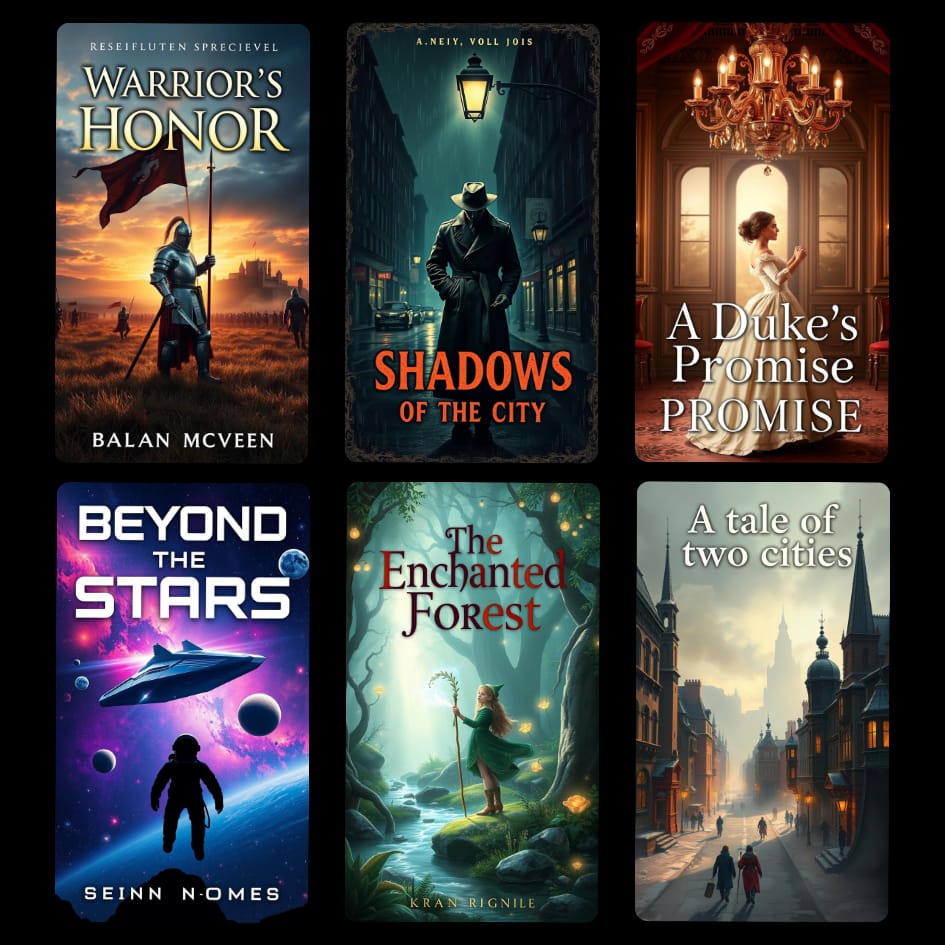
- Search templates by genre (e.g., “romance book cover”, “fantasy cover”).
- Customize: Replace text, images, colors; add your title/author name.
- Download as PDF Print (300 DPI) with crop marks/bleed.
Pros: Super beginner-friendly; mobile app available. Cons: Some premium elements require Pro ($15/mo), but free options are plentiful. Best for: Contemporary romance, non-fiction, poetry, quick prototypes.
2. Adobe Express – Free Professional Alternative
Adobe Express (formerly Spark) is a strong free Canva competitor with clean templates and high-quality assets.
Key features:
- Free book cover templates and quick-start layouts.
- AI-powered tools for image generation/removal.
- Easy resizing and export to PDF for print.
- Brand kit for consistent fonts/colors.
Pros: Cleaner, more professional results; no watermarks on free exports. Cons: Fewer book-specific templates than Canva. Best for: Minimalist or modern designs.
3. GIMP – Completely Free & Open-Source Power Tool
GIMP is the free Photoshop alternative—perfect if you want full control without subscriptions.
Key features:
- Layers, advanced editing, text effects.
- Import KDP templates (download from KDP cover calculator).
- Export CMYK PDF for print.
Pros: 100% free forever; no limits. Cons: Steeper learning curve; no built-in templates (search free PSD/GIMP files online). Best for: Authors who want custom tweaks or already know basic editing.
4. BookCoversLab & KDP Cover Calculator – Free Spec-Specific Builders
For exact KDP specs without guesswork:
- KDP Cover Calculator (kdp.amazon.com/cover-calculator): Input page count, trim size, paper type → download free PDF/PNG template guide.
- BookCoversLab KDP Cover Creator: Free online tool—enter specs, design front/spine/back, preview in real-time, download high-res PDF (no sign-up needed).
Pros: Handles spine width/bleed automatically. Best for: Print books; paperback/hardcover.
5. Free Mockup Generators to Showcase Your Cover
Once designed, create pro promo images:
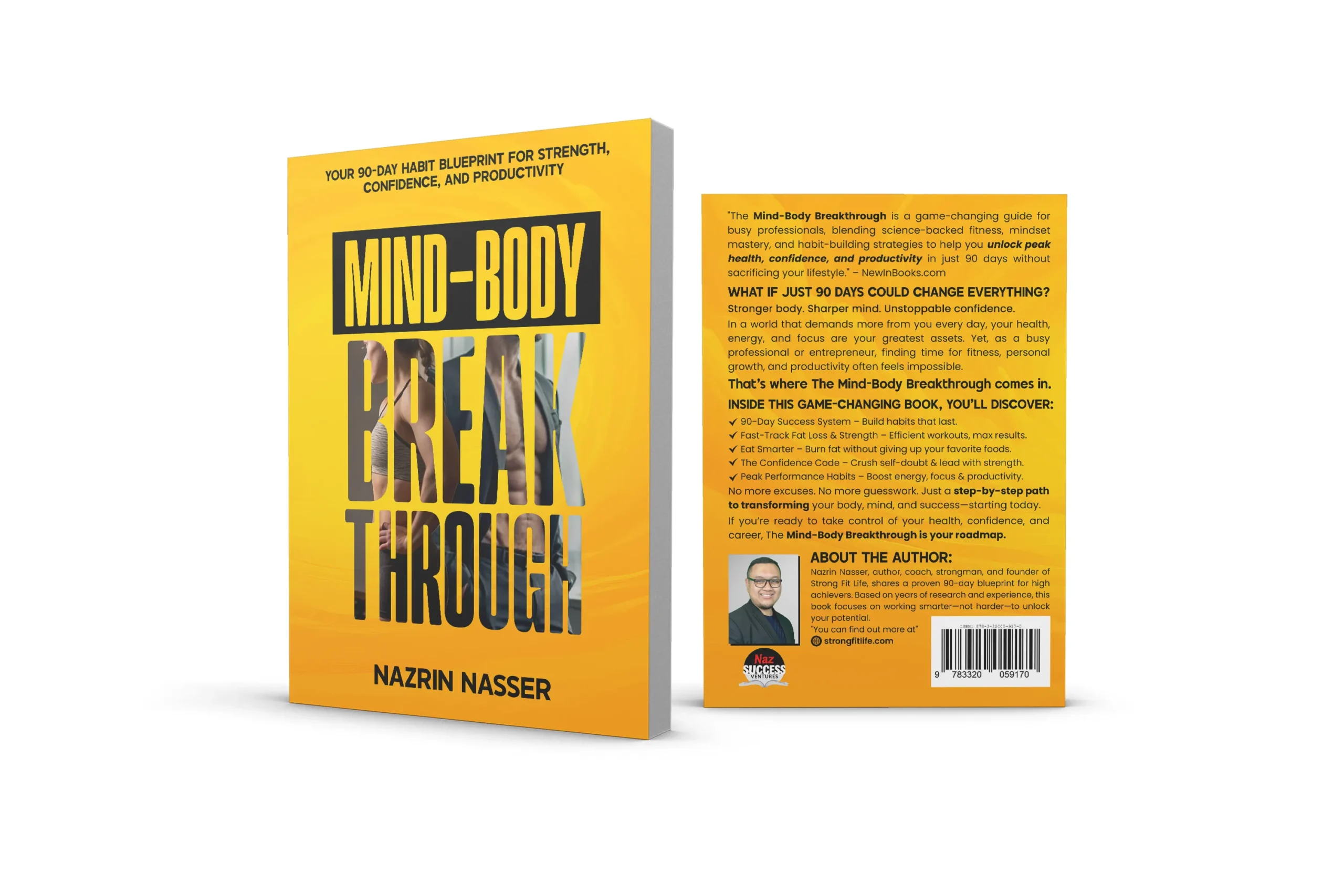
- Canva Book Mockup Generator: Free 3D mockups (upload your flat cover).
- AbsoluteCovers Free 3D Generator: Upload front cover → instant realistic 3D renders.
- Placeit (limited free options): Book mockups in hands, shelves, etc.
Tip: Use these for Amazon listings, social media, or website banners.
Quick Step-by-Step DIY Workflow
- Research genre: Browse Amazon bestsellers; note colors, fonts, imagery.
- Get specs: Use KDP calculator for exact dimensions (include 0.125″ bleed).
- Choose tool: Start with Canva or Express for speed.
- Select template: Pick one close to your vision; customize heavily.
- Design basics:
- Title large/bold.
- High-contrast text.
- One focal image/symbol.
- Test thumbnail size.
- Export & upload: PDF Print for KDP; check previewer.
- Mockup & promote: Generate 3D images for marketing.
Pro Tips for Free DIY Success
- Avoid overused stock: Edit heavily or use free Unsplash/Pixabay images.
- Thumbnail priority: Always shrink preview—title must be readable.
- Fonts: Stick to 2–3; use Google Fonts or free Canva ones.
- Feedback: Share drafts on Reddit (r/selfpublish, r/KDP) or author groups.
- Iterate: Create 3–5 versions; test what feels “pro.”
DIY covers are empowering and cost-effective—many bestselling indie books started this way. With these free tools and templates, you can achieve professional results on a zero budget.
At authoryn.com, we’re here to support your publishing journey. Share your DIY cover in the comments or explore our other guides!